Internal linking for export websites Connect the pages a buyer uses together.
An export catalog should give a buyer a clear path from the product family to a specific configuration, then to supporting evidence or an inquiry. Make those routes available as ordinary links that people and search engines can follow.
01
Design the main path around the catalog
Use navigation to expose product families and link from each family to its useful subcategories and models. Add breadcrumbs that help a reader move up one level. The page for a model should remain easy to find when a user enters through a guide, a search result or a distributor's link.
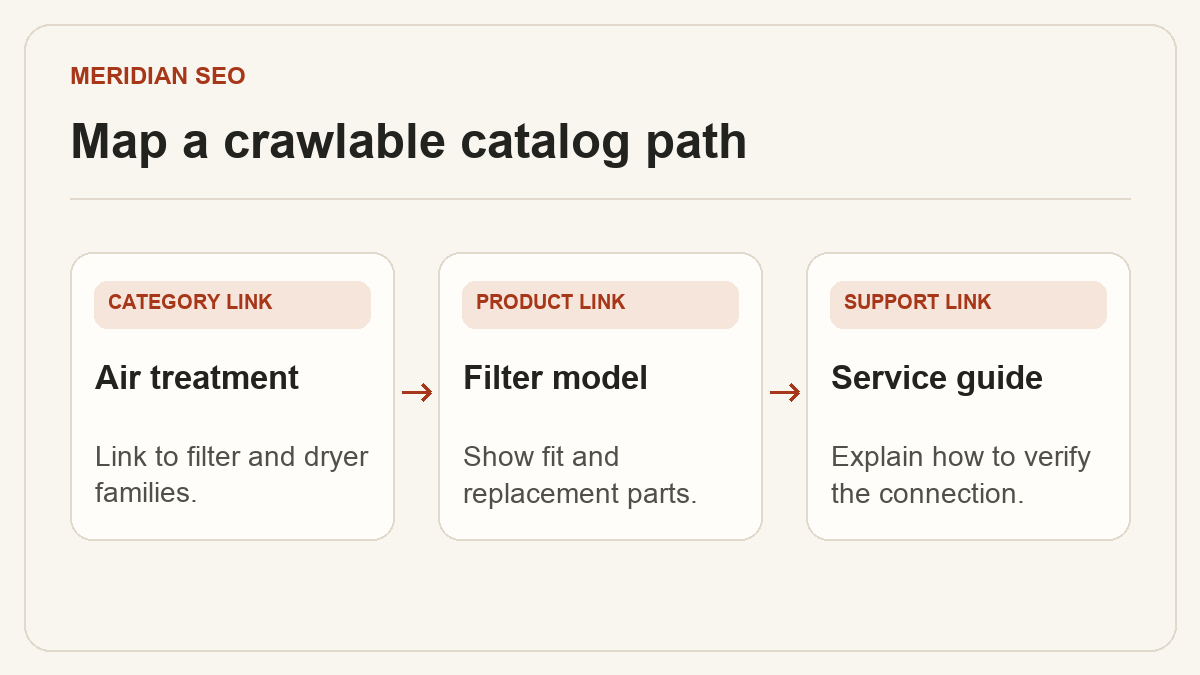
In an illustrative compressed-air catalog, an air-treatment category links to coalescing filters and dryer families. A guide about oil carryover can link to the appropriate filter family. A model links to the compatible replacement element and its service instructions. Each link follows a specific buyer decision.
Use a real HTML link with an href for each indexable destination.
Choose link text that identifies the destination, such as Compatible filter elements.
Compare the URLs you want indexed with a crawl that follows internal links from the homepage and major category pages. Investigate URLs found only in the XML sitemap, links that lead through redirects, and products a site-search box reveals without a crawlable category path. Use pagination links if a listing otherwise hides products behind a load-more interaction.
Review template links on desktop and mobile and inspect rendered HTML for the same paths. Filters can help buyers narrow a catalog. Decide which filtered combinations warrant a stable search landing page and manage other filter URLs deliberately so navigation serves the useful catalog rather than proliferating destinations.
Check important links for an expected status, final URL and canonical.
Record the source page and link location for missing or broken paths.
03
Add contextual links where they answer a next question
Open the page as a reader. A spec for a hazardous-location enclosure might raise a certification question, while a selection guide might leave the reader looking for a model comparison. Link to the exact certificate, comparison or product page that addresses that question.
Give the editing team an inventory with source URL, target URL, anchor text, template or section, and reason. When a product URL changes, update the links at their sources so the current target is direct. Test a sample of the buyer paths after every navigation or template release.
Assign priority to links that help users compare, verify fit or request a quote.
Recheck a deep product, an application page and a guide after publishing.