Multilingual SEO for export websites. Connect each market to the right catalog.
Choose the language and market your team can serve before creating another version of an export catalog. For example, a pump supplier can publish an English version and a German version that uses local terms for seals, gives specifications in the expected units and routes inquiries to the right desk. Add alternate-page signals once buyers can navigate between complete versions.
01
Choose stable URLs your team can maintain
Give each language version its own crawlable URL. Subdirectories such as /en/ and /de/ can simplify operations on one host. Subdomains can suit teams that deploy independently, and country domains can make sense when local market operations justify them. Choose based on ownership, upkeep and the needs of buyers in each market.
Publish a clickable language switcher
Avoid mandatory redirects based on browser language or IP address
Research how local buyers search for the product and have a fluent reviewer verify terminology. Localize headings, specifications, document links and inquiry instructions. A pump page may need the local terms for a mechanical seal and a flow rate, plus clear unit conversions. Give each page a consistent primary language and test its form confirmation in that language.
Check standards, currency and delivery claims by market
Review the localized product name and metadata together
Use visible text links to related products in the same language
03
Declare equivalent pages with hreflang
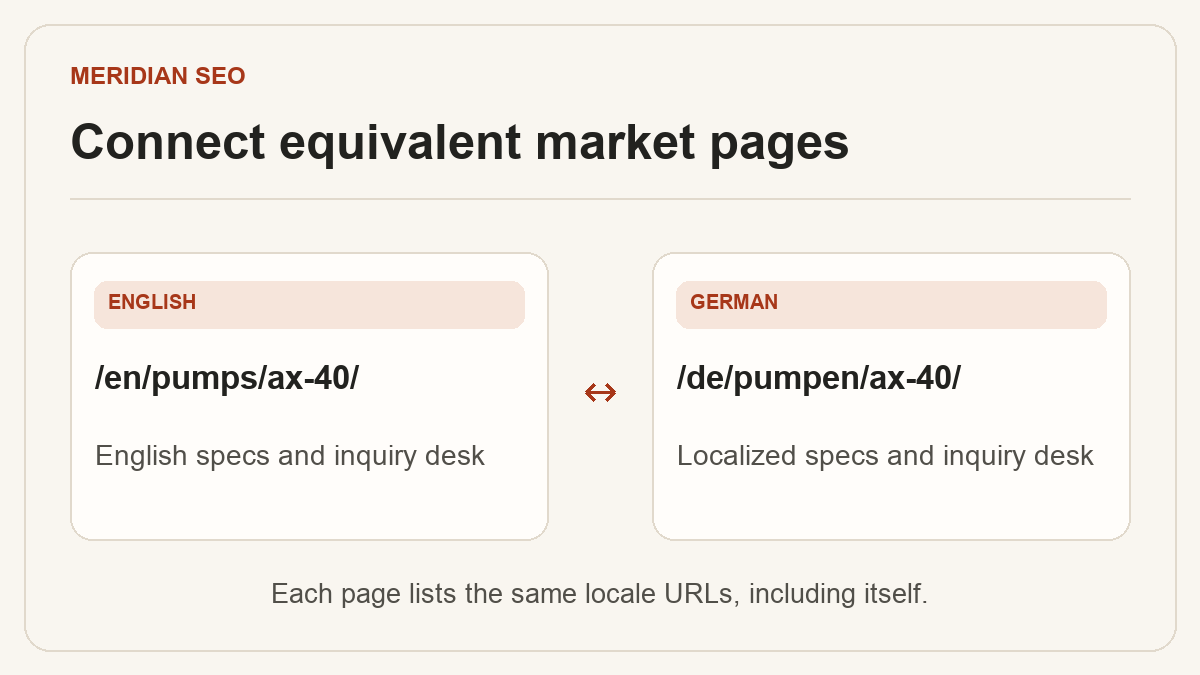
Choose an implementation the team can maintain, such as alternate links in the HTML head or in an XML sitemap. For each equivalent set, use full URLs, valid language or language-region codes and a reference from each page to itself and its counterparts. Check that alternate links are reciprocal. If you have a language picker or appropriate fallback, consider adding x-default.
Use language codes such as de or en, with a region when appropriate
Connect equivalent pages at the same level in the catalog
Check that alternatives resolve directly and are indexable
04
Check canonical and migration signals together
Give each distinct localized page a canonical that supports its intended URL. If you move from separate language hosts to folders, map each old page to its matching language destination. Then update internal links, canonicals, sitemaps and all alternate annotations. An old German product URL should reach the matching German product.
Save the old-to-new URL map before release
Verify high-traffic categories and products in each language
Compare hreflang URLs with the actual canonical URLs
05
Measure the intended page in the intended market
In Search Console, filter by page or language folder, then compare queries and countries. A German-language product can serve buyers in several countries, and country reports show the searcher’s location. If an unexpected URL appears, inspect its indexed canonical and check the alternate links before changing the content.
Track impressions and clicks by relevant page and country
Compare qualified inquiry rates using the same periods